mirror of
https://github.com/Dokploy/dokploy.git
synced 2026-07-02 04:25:21 +02:00
 f5ded8b273
* fix: use github owner login for webhook deploy matching

* fix: prefer github owner name for webhook matching

Что:
- Инвертирован порядок fallback для GitHub webhook owner: сначала repository.owner.name, затем repository.owner.login.
- Обновлен focused regression test для приоритета owner.name и fallback на owner.login.
Зачем:
- Выполнить maintainer review request в PR #4674 и сохранить совместимость deploy matching для payload без owner.name.
Риски:
- Не выявлены для push/tag matching; preview pull_request путь использует тот же helper, но отдельным PR-event тестом не покрыт.
Проверки:
- Команды и результаты: git diff --check -- apps/dokploy/pages/api/deploy/github.ts apps/dokploy/__test__/deploy/github-webhook-handler.test.ts - passed; CI=true corepack pnpm --dir apps/dokploy exec vitest --config __test__/vitest.config.ts run __test__/deploy/github-webhook-handler.test.ts --reporter=verbose - passed, 1 file / 4 tests; CI=true corepack pnpm exec biome check apps/dokploy/pages/api/deploy/github.ts apps/dokploy/__test__/deploy/github-webhook-handler.test.ts - exit 0, reported existing Number.parseInt radix info at github.ts:464; mandatory QA subagent Boyle - pass.
- Ограничения: repo-wide format-and-lint, typecheck, build, and test не запускались для этого точечного review fix.

What:
- Inverted the GitHub webhook owner fallback order to prefer repository.owner.name before repository.owner.login.
- Updated the focused regression test for owner.name precedence and owner.login fallback.
Why:
- Address the maintainer review request in PR #4674 while preserving deploy matching for payloads without owner.name.
Risks:
- None identified for push/tag matching; the preview pull_request path uses the same helper but is not covered by a dedicated PR-event test.
Checks:
- Commands and results: git diff --check -- apps/dokploy/pages/api/deploy/github.ts apps/dokploy/__test__/deploy/github-webhook-handler.test.ts - passed; CI=true corepack pnpm --dir apps/dokploy exec vitest --config __test__/vitest.config.ts run __test__/deploy/github-webhook-handler.test.ts --reporter=verbose - passed, 1 file / 4 tests; CI=true corepack pnpm exec biome check apps/dokploy/pages/api/deploy/github.ts apps/dokploy/__test__/deploy/github-webhook-handler.test.ts - exit 0, reported existing Number.parseInt radix info at github.ts:464; mandatory QA subagent Boyle - pass.
- Limitations: repo-wide format-and-lint, typecheck, build, and test were not run for this targeted review fix.

Join us on Discord for help, feedback, and discussions!

Dokploy is a free, self-hostable Platform as a Service (PaaS) that simplifies the deployment and management of applications and databases.
✨ Features
Dokploy includes multiple features to make your life easier.
- Applications: Deploy any type of application (Node.js, PHP, Python, Go, Ruby, etc.).
- Databases: Create and manage databases with support for MySQL, PostgreSQL, MongoDB, MariaDB, libsql, and Redis.
- Backups: Automate backups for databases to an external storage destination.
- Docker Compose: Native support for Docker Compose to manage complex applications.
- Multi Node: Scale applications to multiple nodes using Docker Swarm to manage the cluster.
- Templates: Deploy open-source templates (Plausible, Pocketbase, Calcom, etc.) with a single click.
- Traefik Integration: Automatically integrates with Traefik for routing and load balancing.
- Real-time Monitoring: Monitor CPU, memory, storage, and network usage for every resource.
- Docker Management: Easily deploy and manage Docker containers.
- CLI/API: Manage your applications and databases using the command line or through the API.
- Notifications: Get notified when your deployments succeed or fail (via Slack, Discord, Telegram, Email, etc.).
- Multi Server: Deploy and manage your applications remotely to external servers.
- Self-Hosted: Self-host Dokploy on your VPS.
🚀 Getting Started
To get started, run the following command on a VPS:
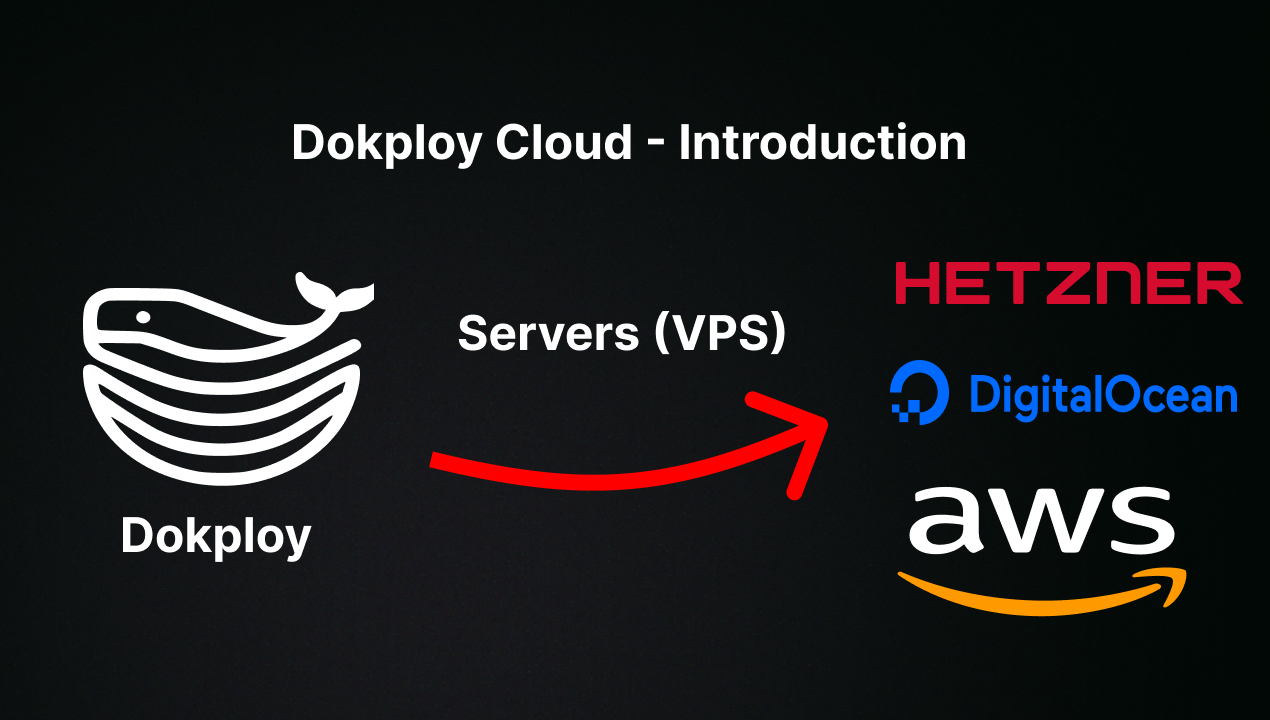
Want to skip the installation process? Try the Dokploy Cloud.
curl -sSL https://dokploy.com/install.sh | bash
For detailed documentation, visit docs.dokploy.com.
Contributors 🤝
📺 Video Tutorial
🤝 Contributing
Check out the Contributing Guide for more information.