mirror of
https://github.com/Dokploy/dokploy.git
synced 2026-07-21 13:55:33 +02:00
 ecbaf6060b
Simpler and consistent with the existing registry column exclusion in the same
query: drop the secret columns from the nested github/gitlab/gitea/bitbucket
relations via columns:{ ...: false } instead of a post-fetch redaction helper.
Server-side clone paths re-fetch providers by id (find{Github,Gitlab,...}ById),
so deployments are unaffected. Column names are validated at compile time by
drizzle's typed columns config.

Closes GHSA-hg9j-j5mc-phf5, GHSA-wx75-vxph-2m2f

Join us on Discord for help, feedback, and discussions!

Dokploy is a free, self-hostable Platform as a Service (PaaS) that simplifies the deployment and management of applications and databases.
✨ Features
Dokploy includes multiple features to make your life easier.
- Applications: Deploy any type of application (Node.js, PHP, Python, Go, Ruby, etc.).
- Databases: Create and manage databases with support for MySQL, PostgreSQL, MongoDB, MariaDB, libsql, and Redis.
- Backups: Automate backups for databases to an external storage destination.
- Docker Compose: Native support for Docker Compose to manage complex applications.
- Multi Node: Scale applications to multiple nodes using Docker Swarm to manage the cluster.
- Templates: Deploy open-source templates (Plausible, Pocketbase, Calcom, etc.) with a single click.
- Traefik Integration: Automatically integrates with Traefik for routing and load balancing.
- Real-time Monitoring: Monitor CPU, memory, storage, and network usage for every resource.
- Docker Management: Easily deploy and manage Docker containers.
- CLI/API: Manage your applications and databases using the command line or through the API.
- Notifications: Get notified when your deployments succeed or fail (via Slack, Discord, Telegram, Email, etc.).
- Multi Server: Deploy and manage your applications remotely to external servers.
- Self-Hosted: Self-host Dokploy on your VPS.
🚀 Getting Started
To get started, run the following command on a VPS:
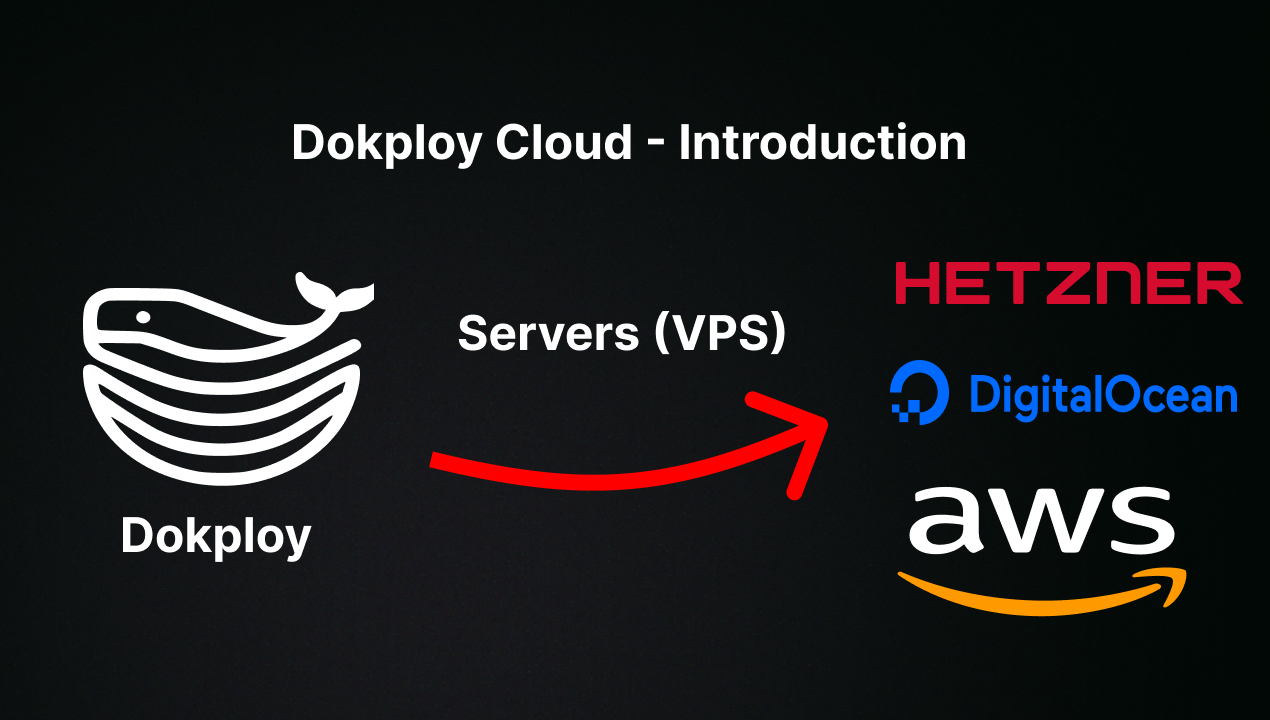
Want to skip the installation process? Try the Dokploy Cloud.
curl -sSL https://dokploy.com/install.sh | bash
For detailed documentation, visit docs.dokploy.com.
Contributors 🤝
📺 Video Tutorial
🤝 Contributing
Check out the Contributing Guide for more information.