mirror of
https://github.com/Dokploy/dokploy.git
synced 2026-06-16 04:35:24 +02:00
 c8fd999044
TL;DR: New "Containers" tab on the Swarm page showing which containers
run on which nodes, with live CPU/Memory/Block I/O/Network I/O metrics
refreshing every 5 seconds. Comprehensive edge case handling guides
users through prerequisites (swarm init, registry, service deployment).

---

## New Files

- `apps/dokploy/components/dashboard/swarm/containers/show-swarm-containers.tsx`
  Main component: data fetching, error/empty states, summary cards,
  and the node-grouped container layout.

- `apps/dokploy/components/dashboard/swarm/containers/node-section.tsx`
  Collapsible per-node section with container table, role badge,
  and down-node indicator.

- `apps/dokploy/components/dashboard/swarm/containers/container-row.tsx`
  Table row for a single container: state badge with error tooltip,
  formatted CPU/memory/IO metrics.

- `apps/dokploy/components/dashboard/swarm/containers/utils.ts`
  Formatting helpers for docker stats values (CPU %, memory, I/O).

- `apps/dokploy/components/dashboard/swarm/containers/types.ts`
  Shared TypeScript interfaces (ContainerStat, ContainerInfo, SwarmNode,
  NodeGroup).

## Modified Files

- `apps/dokploy/pages/dashboard/swarm.tsx`
  Added Tabs (Overview / Containers) wrapping existing SwarmMonitorCard
  and the new ShowSwarmContainers component.

- `apps/dokploy/server/api/routers/swarm.ts`
  Added `getContainerStats` tRPC endpoint calling `getAllContainerStats`,
  following existing auth/validation patterns.

- `packages/server/src/services/docker.ts`
  - Added `getAllContainerStats()` — runs `docker stats --no-stream` for
    cluster-wide container metrics.
  - Fixed `getSwarmNodes`, `getNodeApplications`, `getApplicationInfo` to
    return `[]` instead of `undefined` on errors (prevents tRPC
    serialization crashes) and added `console.error` logging.
  - Added empty stdout guard (`if (!stdout.trim()) return []`) to prevent
    `JSON.parse("")` crashes when no services exist.

## Features

- Container table per node: name, image, state, CPU %, memory usage,
  block I/O, and network I/O
- Resource formatting: values rounded to 1 decimal (2.711MiB → 2.7 MiB),
  CPU to 1 decimal (0.00% → 0.0%)
- Node role badges (Leader / Reachable / Worker) on each section header
- Error tooltips: hover the status badge to see Docker error details
- Down/drained node detection with red indicator dot and warning banner
- Multi-node metrics banner explaining docker stats manager-only limitation
- Unscheduled services footer for services scaled to 0 replicas
- Contextual empty/error states with actionable guidance, doc links to
  Dokploy docs and Docker Swarm guide, and links to Cluster Settings

## Edge Cases Handled

1. Swarm not initialized (tRPC error or undefined data)
2. Docker command failures (stderr / non-zero exit)
3. Swarm active but no services deployed
4. Services exist but no running containers
5. Containers with Docker errors (shown in tooltip + error alert)
6. Nodes down or drained (cross-referenced from node list)
7. Multi-node setups (metrics only from manager node)
8. Services scaled to 0 replicas (separated from running containers)
9. Empty stdout from docker commands (no JSON.parse crash)

Join us on Discord for help, feedback, and discussions!

Dokploy is a free, self-hostable Platform as a Service (PaaS) that simplifies the deployment and management of applications and databases.
✨ Features
Dokploy includes multiple features to make your life easier.
- Applications: Deploy any type of application (Node.js, PHP, Python, Go, Ruby, etc.).
- Databases: Create and manage databases with support for MySQL, PostgreSQL, MongoDB, MariaDB, and Redis.
- Backups: Automate backups for databases to an external storage destination.
- Docker Compose: Native support for Docker Compose to manage complex applications.
- Multi Node: Scale applications to multiple nodes using Docker Swarm to manage the cluster.
- Templates: Deploy open-source templates (Plausible, Pocketbase, Calcom, etc.) with a single click.
- Traefik Integration: Automatically integrates with Traefik for routing and load balancing.
- Real-time Monitoring: Monitor CPU, memory, storage, and network usage for every resource.
- Docker Management: Easily deploy and manage Docker containers.
- CLI/API: Manage your applications and databases using the command line or through the API.
- Notifications: Get notified when your deployments succeed or fail (via Slack, Discord, Telegram, Email, etc.).
- Multi Server: Deploy and manage your applications remotely to external servers.
- Self-Hosted: Self-host Dokploy on your VPS.
🚀 Getting Started
To get started, run the following command on a VPS:
Want to skip the installation process? Try the Dokploy Cloud.
curl -sSL https://dokploy.com/install.sh | sh
For detailed documentation, visit docs.dokploy.com.
Contributors 🤝
📺 Video Tutorial
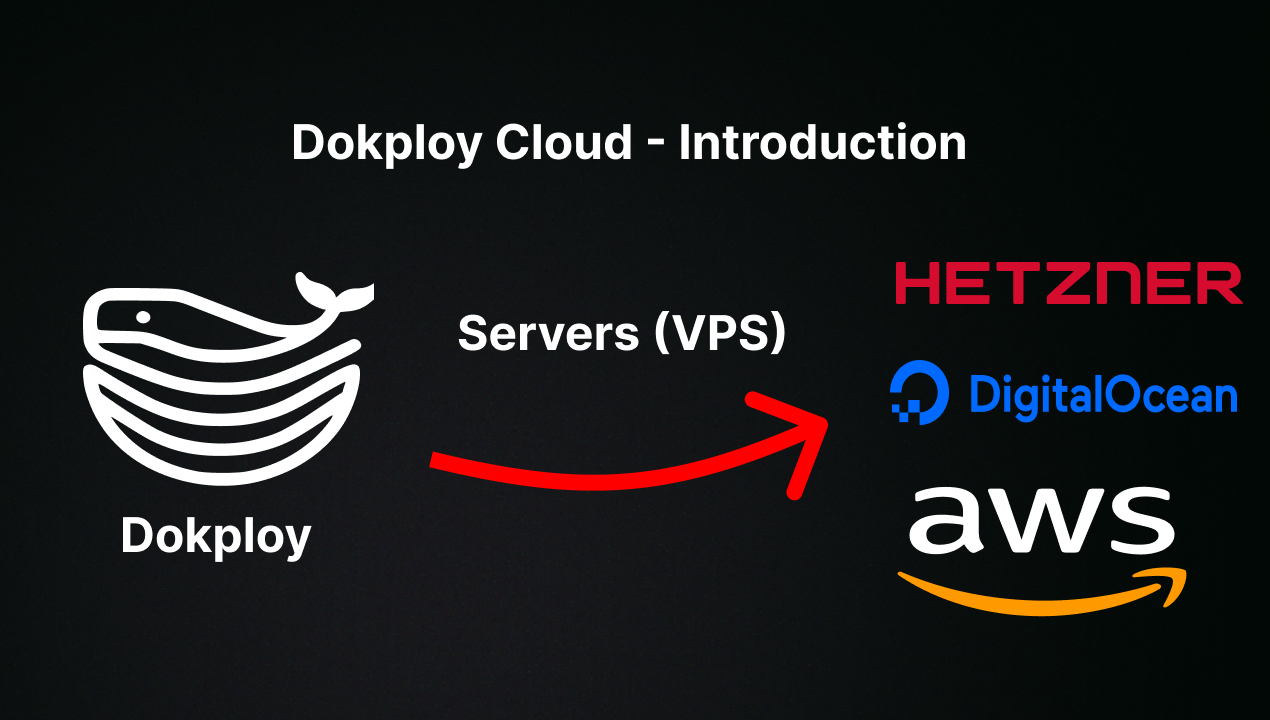
🤝 Contributing
Check out the Contributing Guide for more information.