mirror of
https://github.com/Dokploy/dokploy.git
synced 2026-06-18 21:55:24 +02:00
 8b13919d3b
Fixes #3033

The container logs WebSocket connection was closing after approximately
60 seconds of inactivity with error code 1006 (abnormal closure).
This required users to manually refresh the page to re-establish the
connection, making it difficult to monitor containers that produce logs
infrequently.

Changes:
- Added WebSocket ping mechanism sending ping frames every 45 seconds
- Ensures connection stays alive indefinitely during periods of no log activity
- Properly cleanup ping intervals on connection close (3 locations)
- Prevents memory leaks by clearing intervals on error and close events

The browser automatically responds with pong frames, keeping the
connection alive without requiring any client-side changes.

Join us on Discord for help, feedback, and discussions!


Dokploy is a free, self-hostable Platform as a Service (PaaS) that simplifies the deployment and management of applications and databases.
✨ Features
Dokploy includes multiple features to make your life easier.
- Applications: Deploy any type of application (Node.js, PHP, Python, Go, Ruby, etc.).
- Databases: Create and manage databases with support for MySQL, PostgreSQL, MongoDB, MariaDB, and Redis.
- Backups: Automate backups for databases to an external storage destination.
- Docker Compose: Native support for Docker Compose to manage complex applications.
- Multi Node: Scale applications to multiple nodes using Docker Swarm to manage the cluster.
- Templates: Deploy open-source templates (Plausible, Pocketbase, Calcom, etc.) with a single click.
- Traefik Integration: Automatically integrates with Traefik for routing and load balancing.
- Real-time Monitoring: Monitor CPU, memory, storage, and network usage for every resource.
- Docker Management: Easily deploy and manage Docker containers.
- CLI/API: Manage your applications and databases using the command line or through the API.
- Notifications: Get notified when your deployments succeed or fail (via Slack, Discord, Telegram, Email, etc.).
- Multi Server: Deploy and manage your applications remotely to external servers.
- Self-Hosted: Self-host Dokploy on your VPS.
🚀 Getting Started
To get started, run the following command on a VPS:
Want to skip the installation process? Try the Dokploy Cloud.
curl -sSL https://dokploy.com/install.sh | sh
For detailed documentation, visit docs.dokploy.com.
♥️ Sponsors
🙏 We're deeply grateful to all our sponsors who make Dokploy possible! Your support helps cover the costs of hosting, testing, and developing new features.
Hero Sponsors 🎖


Premium Supporters 🥇


Elite Contributors 🥈


Supporting Members 🥉


Community Backers 🤝
Organizations:
Individuals:
Contributors 🤝
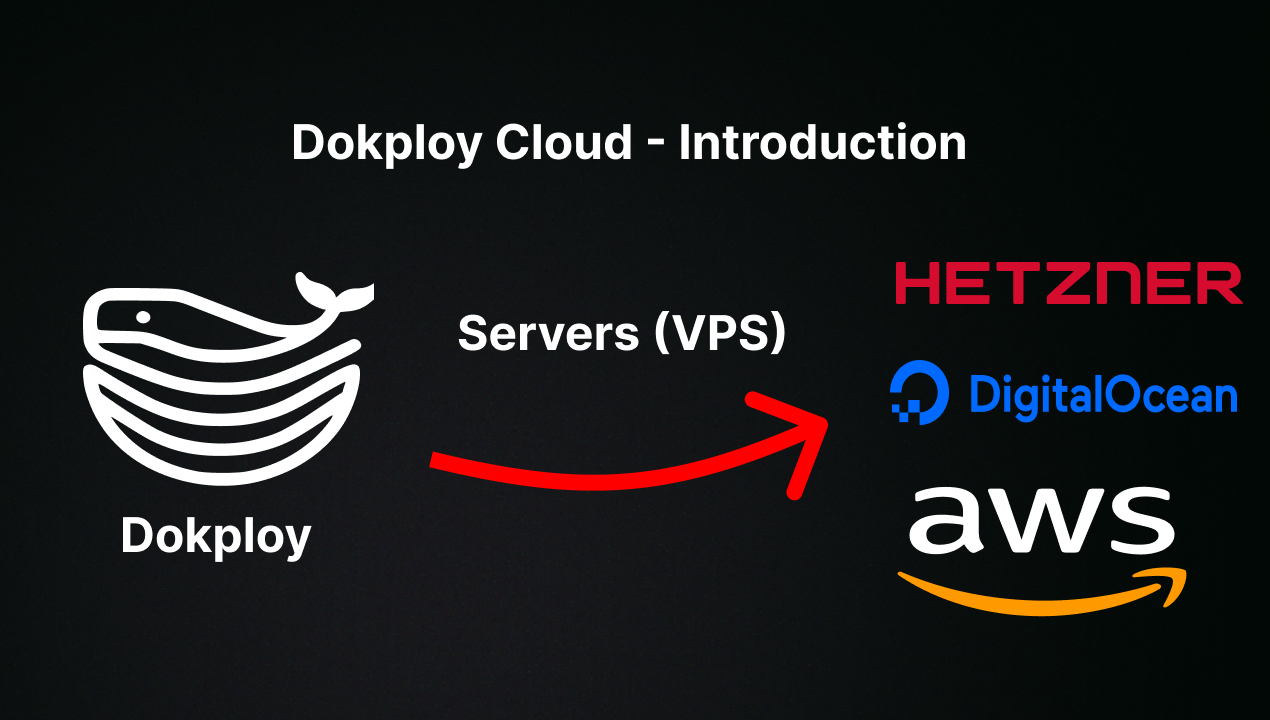
📺 Video Tutorial
🤝 Contributing
Check out the Contributing Guide for more information.